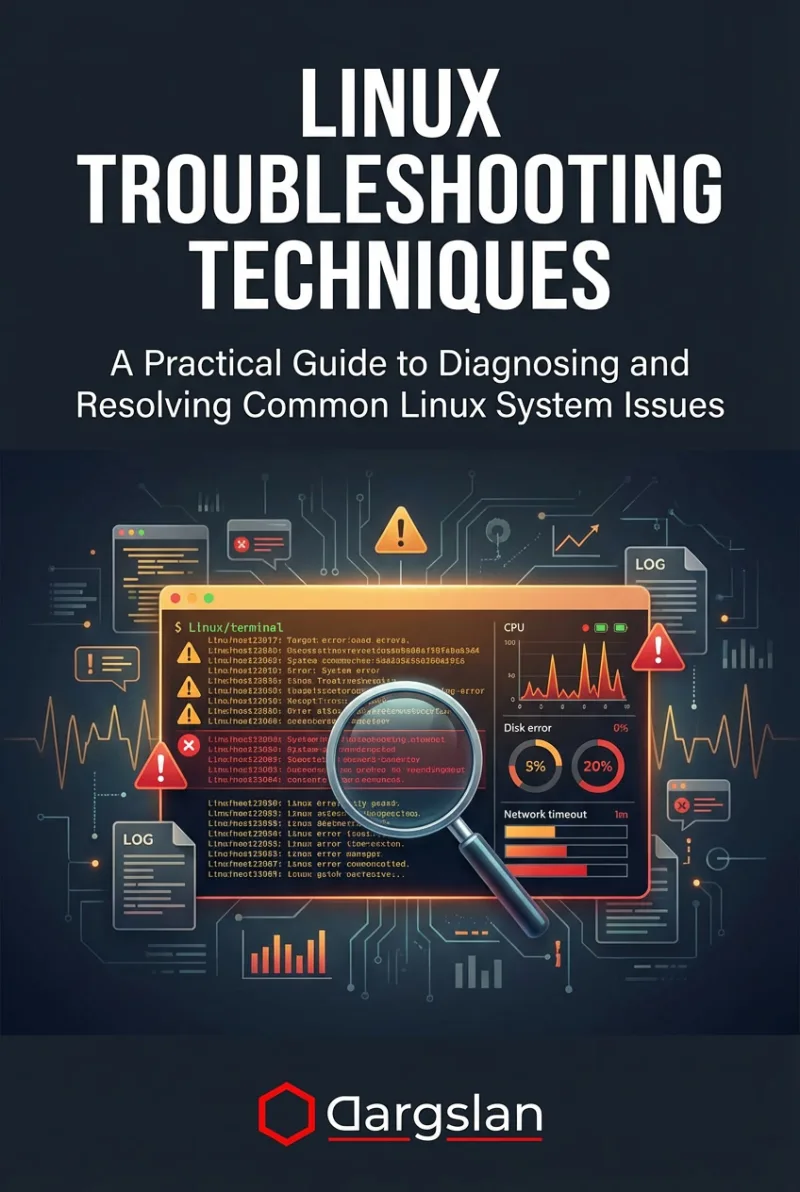
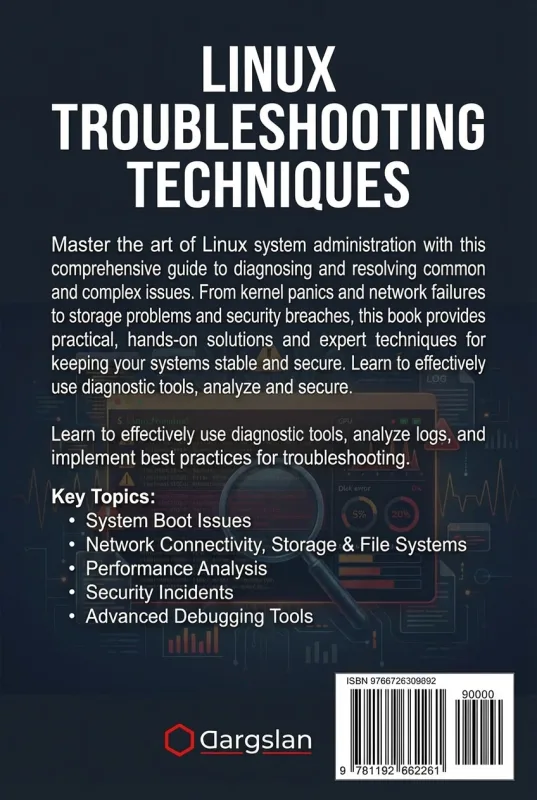
Linux Troubleshooting Techniques
A Practical Guide to Diagnosing and Resolving Common Linux System Issues
What's Included:
Key Highlights
- Proven troubleshooting methodology and mindset
- Boot, service, filesystem, and permission troubleshooting
- Network diagnostics and common service issues
- Performance troubleshooting: CPU, memory, swap
- Includes case studies, cheat sheets, and interview questions
Overview
Diagnose and fix Linux issues with a systematic approach. Learn to troubleshoot boot failures, services, filesystems, permissions, networking, performance, and common system errors across distributions.
The Problem
When Linux systems fail, many users panic or try random fixes. Without a structured troubleshooting process, problems take longer to resolve, downtime increases, and fixes often introduce new issues.
The Solution
This book teaches a systematic Linux troubleshooting methodology, combining practical diagnostic tools with real-world workflows to identify root causes and implement stable solutions.
About This Book
Fix Linux Problems Faster with a Systematic Approach
Linux Troubleshooting Techniques is a practical, real-world guide designed to help you diagnose and resolve common Linux system issues with confidence.
Linux powers critical infrastructure—from servers and cloud platforms to embedded systems. When Linux problems happen, the ability to troubleshoot quickly and correctly becomes an essential skill for administrators, DevOps engineers, and support professionals.
Why This Book Matters
Linux systems can fail in countless ways, often presenting subtle symptoms that require careful investigation. This book teaches you how to troubleshoot like a professional—using structured thinking, proven methodology, and the right diagnostic tools.
Instead of listing random commands, you will learn how to interpret symptoms, isolate root causes, and apply stable fixes across different Linux distributions.
What You Will Learn
- How to approach Linux issues systematically
- Understanding Linux boot process and boot failures
- Startup, service, and systemd troubleshooting
- Filesystem errors, corruption, and recovery strategies
- Disk space issues, quotas, and cleanup workflows
- Login, authentication, and permission troubleshooting
- Diagnosing network connectivity and DNS issues
- Troubleshooting common network services
- CPU load, memory pressure, and swap problems
- Software installation and dependency errors
- Application crashes, logs, and core dumps
- Building a repeatable troubleshooting toolkit
Practical, Real-World Focus
Every chapter includes hands-on examples, realistic scenarios, and best-practice workflows. The appendices provide quick references, sample troubleshooting cases with solutions, interview questions, and trusted documentation portals.
Distribution-Agnostic, Production-Ready
The techniques in this book apply across major Linux distributions including Ubuntu, Debian, RHEL, CentOS, and SUSE, making it an essential troubleshooting resource for real environments.
Become a Confident Linux Troubleshooter
By the end of this guide, you will troubleshoot Linux issues faster, reduce downtime, and develop the mindset and skill set required for professional support and administration roles.
Let’s solve some problems together.
Miles Everhart
Who Is This Book For?
- Linux system administrators
- DevOps engineers and SREs
- IT support and helpdesk professionals
- Developers deploying applications on Linux
- Students preparing for Linux admin roles and interviews
Who Is This Book NOT For?
- Absolute beginners with no Linux fundamentals
- Readers looking only for a basic Linux command introduction
- Users seeking distribution-specific manuals only
Table of Contents
- Understanding the Linux Environment
- Systematic Troubleshooting Approach
- Boot Process and Failures
- Startup and Service Problems
- File System Errors and Corruption
- Disk Space and Quotas
- Login and Authentication Issues
- File and Directory Permission Errors
- Diagnosing Network Connectivity
- Troubleshooting Common Network Services
- System Load and CPU Troubleshooting
- Memory and Swap Usage Issues
- Software Installation and Dependency Errors
- Application Crashes and Core Dumps
- Backup and Recovery Strategies
- Building Your Troubleshooting Toolkit
Requirements
- Basic Linux command-line skills
- Some familiarity with system administration concepts
- Access to a Linux system for practice