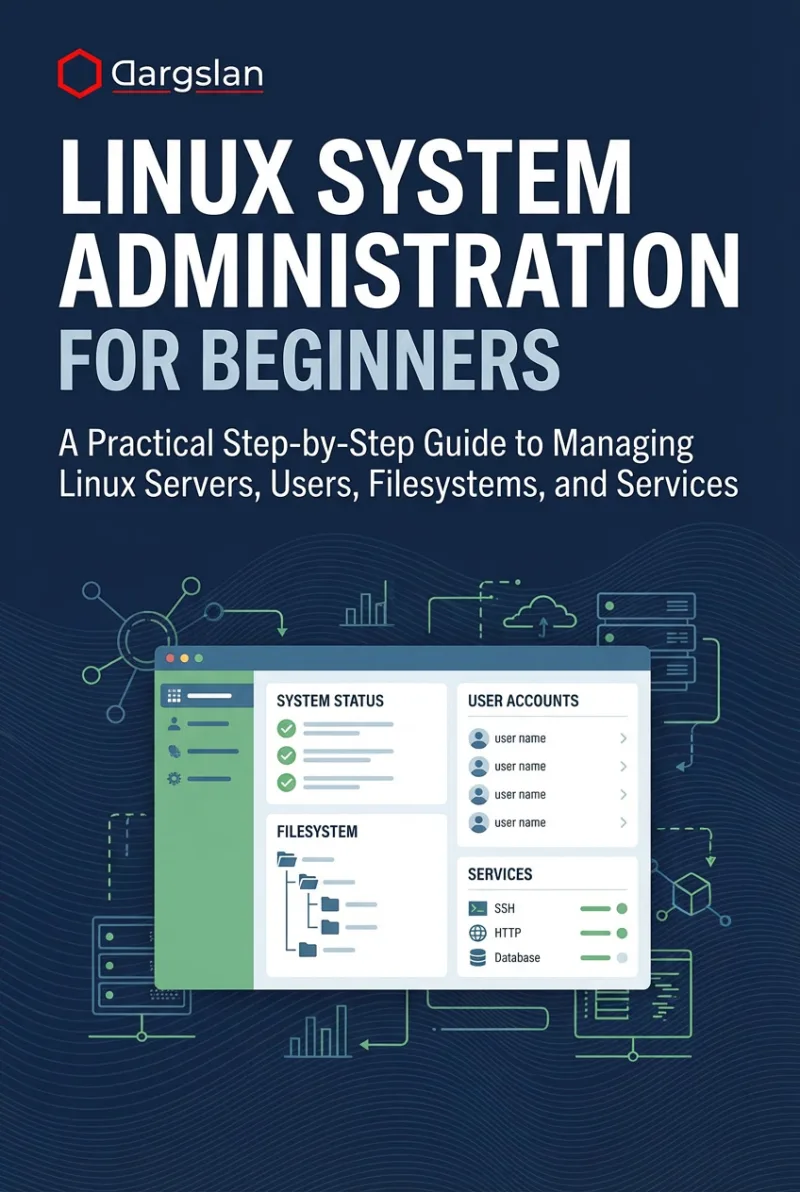
Linux System Administration for Beginners
A Practical Step-by-Step Guide to Managing Linux Servers, Users, Filesystems, and Services
What's Included:
Key Highlights
- Step-by-step beginner-friendly system administration path
- systemd, networking, storage, LVM, backups, and security basics
- Hands-on exercises and real-world admin scenarios
- Log analysis, monitoring, and troubleshooting included
- Includes scripts, challenges, and certification guidance
Overview
Learn Linux system administration step by step. Manage users, permissions, services with systemd, networking, storage, LVM, backups, monitoring, and server security with practical examples.
The Problem
Many Linux learners struggle to move from basic command usage to real server administration. Without a clear step-by-step path, managing users, services, storage, and security feels overwhelming and risky.
The Solution
This book provides a structured learning path for Linux server administration, teaching practical skills like systemd service management, user administration, storage, monitoring, backups, and security hardening.
About This Book
Start Managing Linux Servers with Confidence
Linux System Administration for Beginners is a step-by-step, practical guide designed to help you manage Linux servers in real environments—even if you’re new to administration.
Linux is the backbone of modern infrastructure, powering web servers, cloud platforms, and enterprise systems worldwide. This book helps you transition from basic Linux usage to real system administration skills through structured learning and hands-on examples.
Why This Book Matters
Many Linux resources assume prior knowledge or jump into advanced topics too quickly. This book takes a beginner-friendly approach while teaching real-world administration tasks that are essential for managing Linux servers safely and effectively.
You will learn not only how to execute administrative tasks, but why specific approaches work best—building the mindset and confidence required for professional Linux administration.
What You Will Learn
- Choosing and installing a Linux distribution for server use
- Understanding the Linux filesystem hierarchy
- Command-line skills for administrators
- User and group management
- File and directory permissions
- Software installation and package management
- Managing services with systemd
- Linux networking essentials
- Disk and filesystem administration
- Introduction to LVM
- Scheduling tasks with cron and at
- Log files, monitoring, and troubleshooting
- Backup and recovery strategies
- Securing a Linux server (hardening basics)
- Best practices and admin workflows
Hands-On Learning for Real Results
Each chapter includes practical examples, exercises, and scenarios based on real Linux server environments. You can practice safely using virtual machines and apply your new skills immediately.
Built for Multiple Linux Distributions
The concepts and commands apply across major Linux distributions such as Ubuntu, Debian, CentOS, and RHEL, making the book useful regardless of the Linux system you choose.
Prepare for Linux Careers and Certifications
The appendices provide command references, sample scripts, practice challenges, and a Linux certification guide—helping you take the next step toward professional roles.
Happy learning, and may your Linux servers always stay up and running!
Miles Everhart
Who Is This Book For?
- Beginners who want to become Linux system administrators
- Developers managing Linux servers for their projects
- IT students and career changers
- Helpdesk/support professionals moving into Linux admin roles
- Anyone building real Linux server skills step by step
Who Is This Book NOT For?
- Advanced Linux administrators seeking expert-only topics
- Readers who want only a Linux basics introduction
- Users looking for deep distribution-specific internal details
Table of Contents
- Introduction to Linux System Administration
- Choosing and Installing a Linux Distribution
- Understanding the Linux File System
- Mastering the Command Line
- User and Group Management
- File and Directory Permissions
- Software Management
- Managing Services with systemd
- Networking Essentials
- Disk and Filesystem Management
- Introduction to LVM
- Scheduled Tasks with cron and at
- Log Files and System Monitoring
- Backup and Recovery
- Securing Your Linux Server
- Troubleshooting Common Issues
- Best Practices and Resources
Requirements
- Basic computer skills
- Some familiarity with Linux terminal is helpful
- A Linux VM or server environment for practice