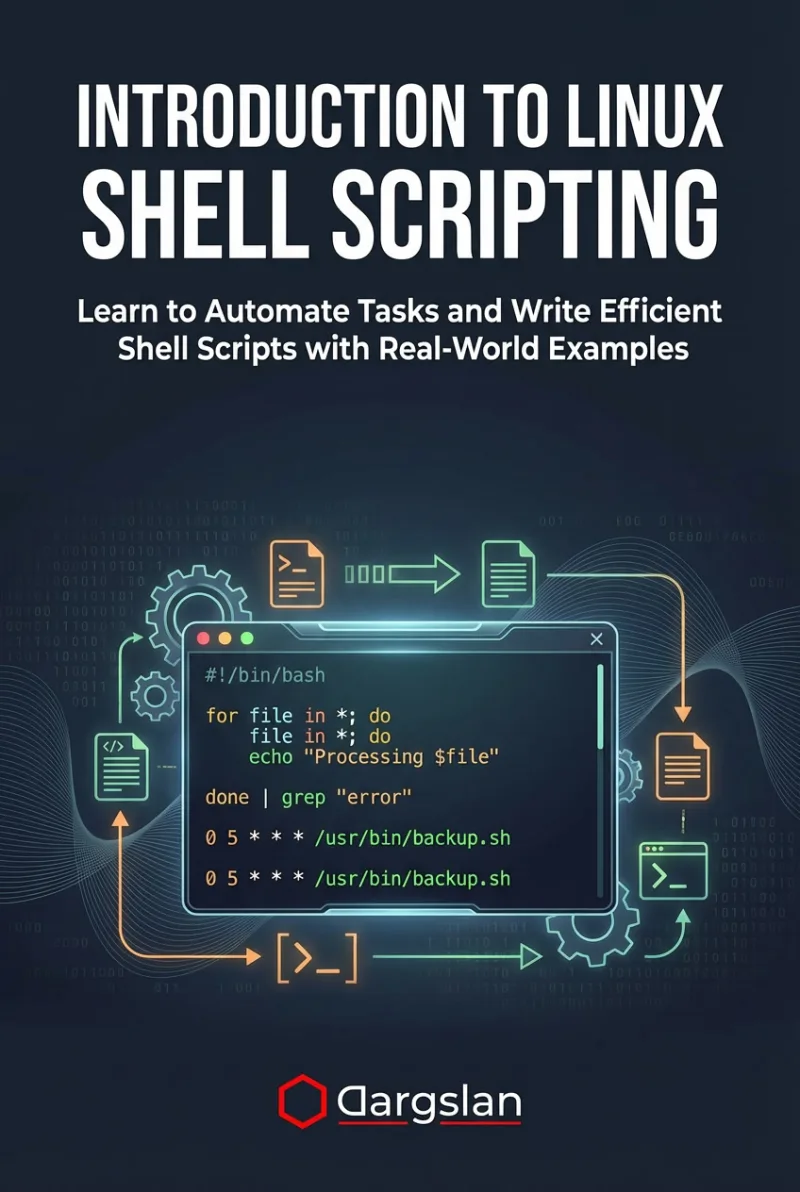
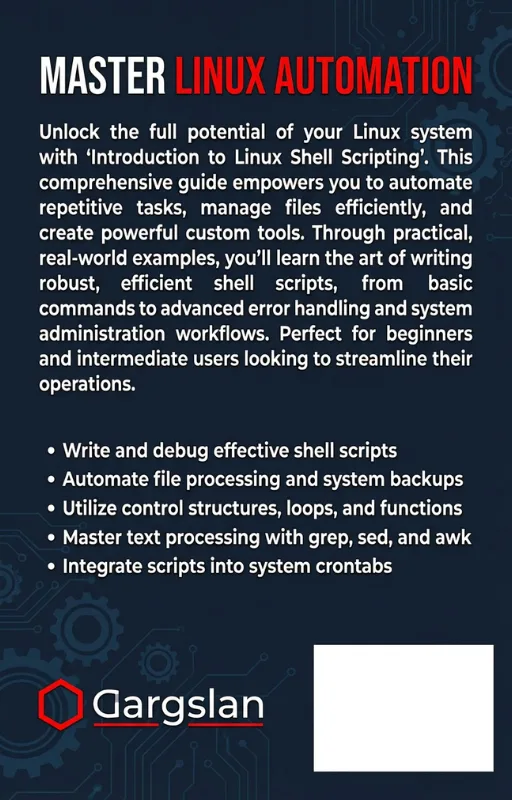
Introduction to Linux Shell Scripting
Learn to Automate Tasks and Write Efficient Shell Scripts with Real-World Examples
What's Included:
Key Highlights
- Step-by-step shell scripting for beginners
- Real-world automation examples
- Text processing and file workflow scripting
- Debugging and error handling included
- Final projects and script templates
Overview
Learn Linux shell scripting from the ground up. Automate tasks, process text and files, write clean Bash scripts, and build real-world projects with practical examples.
The Problem
Many Linux users rely on manual commands for repetitive tasks. Without shell scripting skills, workflows become slow, error-prone, and difficult to scale across systems.
The Solution
This book teaches shell scripting step by step so you can automate tasks, process data efficiently, and build reliable workflows using proven Linux scripting practices.
About This Book
Learn Shell Scripting and Automate Linux Like a Pro
Introduction to Linux Shell Scripting is a practical, beginner-friendly guide that teaches you how to automate tasks and write efficient shell scripts using real-world Linux examples.
Shell scripting is one of the most valuable Linux skills you can learn. It helps you work faster, manage systems more efficiently, and build repeatable workflows—whether you’re a system administrator, developer, DevOps engineer, or Linux enthusiast.
Why Shell Scripting Matters
Linux powers servers, cloud environments, embedded systems, and modern infrastructure. At the heart of Linux is the shell—a powerful interface that enables automation, text processing, system management, and workflow orchestration.
This book bridges the gap between “running commands” and “building automation.” You’ll learn to write scripts that solve real problems and scale to real Linux environments.
What You Will Learn
- How the Linux command line works and how scripts fit into Linux workflows
- Writing your first scripts and understanding script execution
- Variables, input/output, and basic script structure
- Conditional logic, loops, and functions
- Working with strings, numbers, and arrays
- File and directory operations in scripts
- Automation strategies for common admin and developer tasks
- Parsing and text processing using classic Linux tools
- Error handling, debugging, and safe scripting practices
- Writing clean, maintainable shell code
- Final projects that combine multiple concepts into real automation solutions
Real-World, Learn-by-Doing Approach
Each chapter includes practical examples that you can run immediately on Linux. You’ll learn not only syntax, but also problem-solving patterns that will help you write scripts confidently.
Bonus Reference Material Included
The appendices provide a Bash command cheat sheet, ready-to-use script templates, interview questions, and curated resources—making this book useful both for learning and long-term reference.
Become an Automation-First Linux User
By the end of this book, you will be able to write scripts that automate tasks, process files, manage workflows, and make your Linux experience faster, smarter, and more professional.
Happy scripting!
Miles Everhart
Who Is This Book For?
- Linux users who want to learn automation
- System administrators managing servers
- Developers working in Linux environments
- DevOps and infrastructure learners
- Anyone who wants to write maintainable Bash scripts
Who Is This Book NOT For?
- Readers looking only for basic Linux commands (not scripting)
- Advanced Bash experts seeking niche edge-case reference
- Users focused exclusively on one distribution’s tooling
Table of Contents
- The Linux Command Line
- Writing Your First Script
- Working with Variables
- Input and Output
- Conditional Logic
- Loops and Repetition
- Functions in Shell Scripts
- Working with Strings and Numbers
- Arrays and Loops
- File and Directory Operations
- Automating Tasks
- Parsing and Text Processing
- Debugging Shell Scripts
- Writing Clean and Maintainable Code
- Final Projects
Requirements
- Basic familiarity with Linux commands
- Access to a Linux system (local, VM, or cloud)
- Willingness to practice by writing scripts