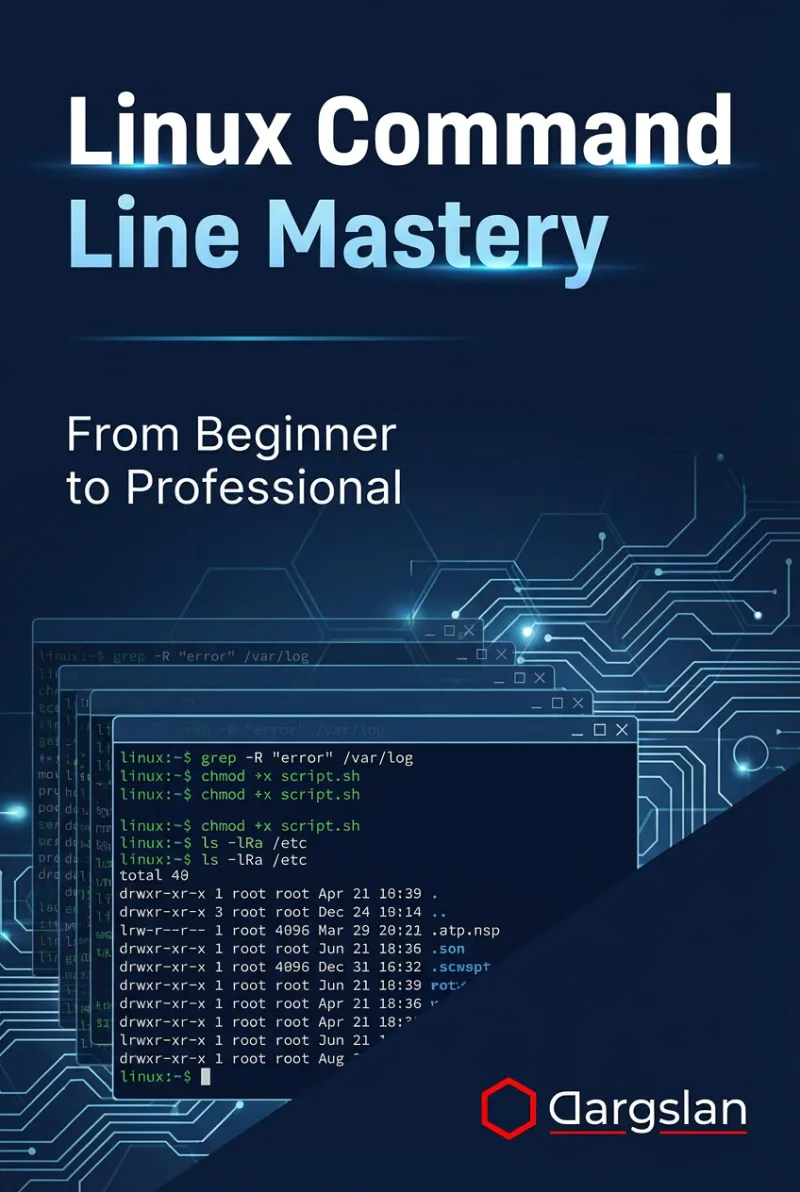
Linux Command Line Mastery
From Absolute Basics to Confident Daily Command-Line Usage
What's Included:
Key Highlights
- From basics to confident daily command-line usage
- Real-world Linux command scenarios
- Text processing, permissions, and processes covered
- Includes shell scripting and automation basics
- Practical focus with best practices
Overview
Master the Linux command line from basics to real-world daily usage. Learn navigation, file management, permissions, processes, networking, and shell scripting with practical examples.
The Problem
Many Linux users rely on graphical tools and avoid the command line due to lack of confidence. This limits efficiency, automation, and problem-solving capabilities in real Linux environments.
The Solution
This book provides a clear, structured path to mastering the Linux command line, focusing on practical daily usage and real-world scenarios rather than isolated commands.
About This Book
From Beginner to Confident Command-Line User
Linux Command Line Mastery is a comprehensive, hands-on guide designed to help you move beyond basic commands and become confident using the Linux command line in everyday scenarios.
The Linux terminal is one of the most powerful tools available to developers, system administrators, and IT professionals. Yet many users never unlock its full potential. This book provides a structured path to mastering the command line without overwhelm.
Why Command-Line Skills Matter
Linux command-line proficiency is essential for working with servers, cloud platforms, development environments, and automation workflows. Understanding how to navigate, manipulate files, control processes, and troubleshoot systems from the terminal dramatically increases efficiency and confidence.
What You Will Learn
- Understanding the Linux terminal and shell environment
- Navigating the Linux filesystem efficiently
- Managing files and directories from the command line
- Viewing, searching, and editing text files
- Linux permissions, users, and access control
- Pipes, redirection, and command streams
- Archives and compression tools
- Process and job control
- Networking tools available in the Linux CLI
- Disk usage and system information commands
- Introduction to shell scripting
- Scheduling tasks and automation basics
- Real-world command-line scenarios
Built for Practical Daily Use
This book focuses on commands and techniques you will actually use. Each chapter includes real examples, common mistakes, and best practices drawn from professional Linux environments.
Progressive Learning Path
The content is structured to take you from absolute basics to confident daily usage. You can read the book sequentially or jump to specific topics as needed.
Long-Term Reference Value
Appendices provide essential command cheat sheets, error explanations, and a guided learning path toward Linux administration and DevOps roles.
Command-Line Confidence
By the end of this book, you will understand not only how to run Linux commands, but when and why to use them—turning the terminal into a productivity tool rather than an obstacle.
Welcome to confident Linux command-line usage.
Miles Everhart
Who Is This Book For?
- Linux beginners who want deeper command-line skills
- Developers working in Linux environments
- IT professionals and students
- System administrators in training
- Anyone who wants to use Linux more efficiently
Who Is This Book NOT For?
- Absolute beginners with no Linux exposure
- Advanced administrators seeking expert-level tuning
- Readers focused exclusively on GUI-based Linux usage
Table of Contents
- Introduction to the Linux Command Line
- Terminal and Shell Basics
- Getting Help the Smart Way
- Linux Directory Structure Explained
- Navigating Directories Like a Pro
- File and Directory Operations
- Viewing File Content
- Searching Text and Files
- Basic Text Editing from the Command Line
- Understanding Linux Permissions
- Users, Groups, and Access Control
- Pipes, Redirection, and Streams
- Archives and Compression
- Process and Job Control
- Networking from the Command Line
- Disk Usage and System Information
- Introduction to Shell Scripting
- Scheduling Tasks
- Command Line Best Practices
- Real-World Command Line Scenarios
Requirements
- Basic familiarity with Linux
- Access to a Linux system
- Willingness to practice commands