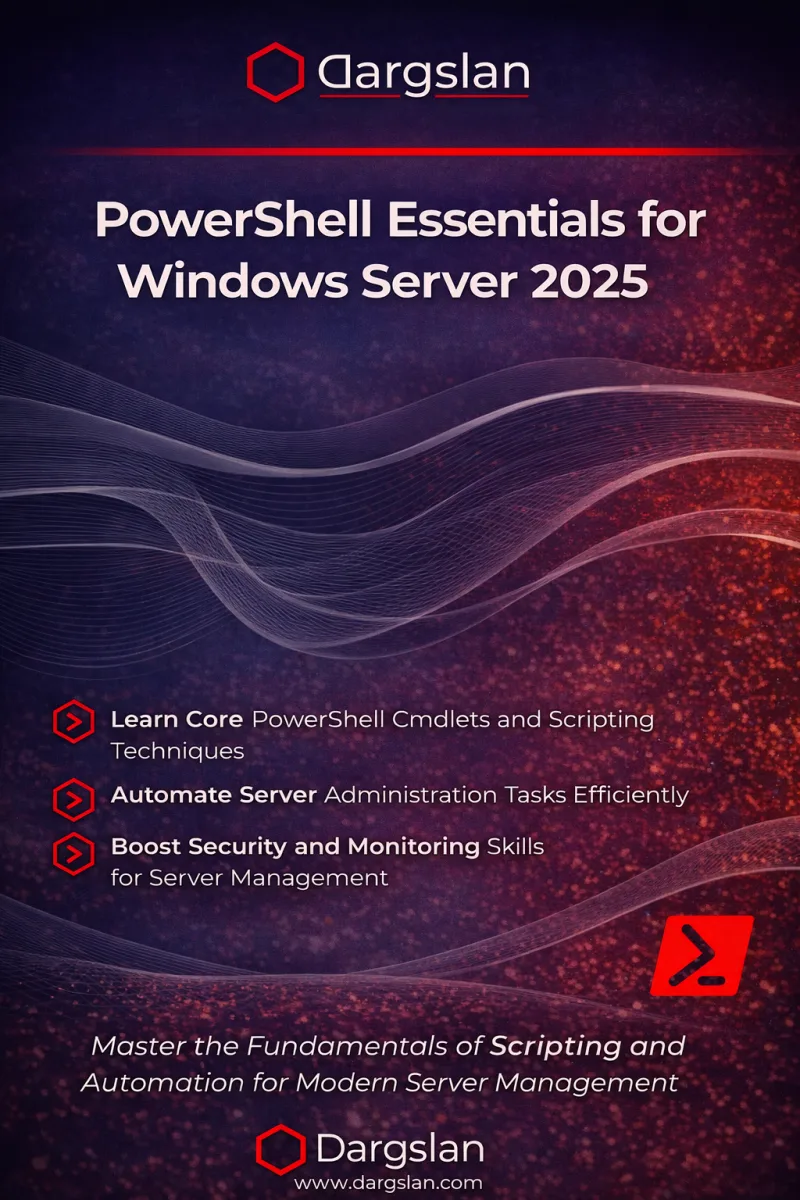
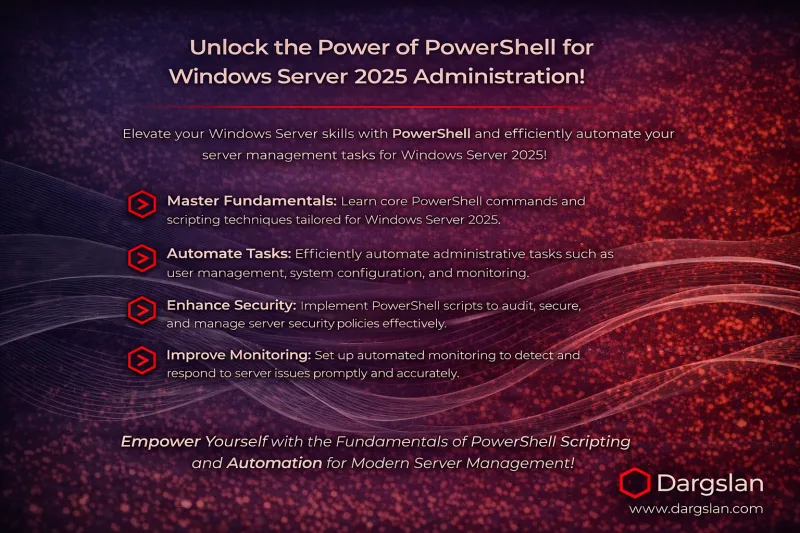
PowerShell Essentials for Windows Server 2025
Master the Fundamentals of Scripting and Automation for Modern Server Management
What's Included:
Key Highlights
- Fast start: build confidence with the PowerShell console and help system
- Objects + pipeline mastery (the core PowerShell advantage)
- Practical admin tasks: files, services, processes, users, permissions
- Scripting foundations: loops, logic, variables, safe execution
- Scheduling + logging for reliable automation
- Remoting essentials for managing multiple servers
- Secure scripting practices that reduce operational risk
Overview
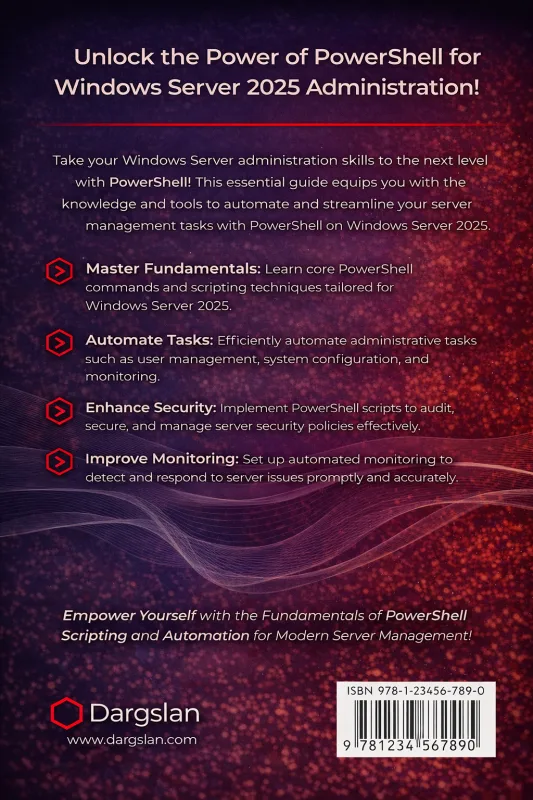
Learn PowerShell fundamentals for Windows Server 2025: cmdlets, parameters, objects, pipeline, scripting, automation, logging, scheduling, remoting, and secure scripting practices—built for real admin workflows.
The Problem
Windows Server administration becomes slow and inconsistent when it relies on manual GUI work. Without automation, administrators waste hours on repetitive tasks, configuration drifts across servers, and security settings are harder to enforce consistently.
The Solution
This book teaches the essential PowerShell fundamentals required for modern Windows Server 2025 administration—cmdlets, objects, pipeline, scripting, logging, scheduling, remoting, and secure automation practices you can apply immediately.
About This Book
PowerShell Fundamentals for Modern Windows Server Administration
PowerShell Essentials for Windows Server 2025 is a practical, beginner-friendly guide to the PowerShell skills every modern Windows Server administrator needs.
Windows environments are increasingly complex and hybrid. GUI-based administration does not scale, and manual work introduces inconsistency and mistakes. PowerShell provides the solution: automation, repeatability, and reliable administration workflows you can apply across multiple servers.
What You Will Learn
- Run your first PowerShell session with confidence
- Understand cmdlets, parameters, aliases, and predictable help workflows
- Master PowerShell’s object-based pipeline (the #1 skill difference)
- Manage files, folders, services, and processes through PowerShell
- Work with users and permissions in common admin scenarios
- Write and run scripts safely in real environments
- Use variables, loops, and conditional logic to automate tasks
- Implement scheduling and logging for reliable operations
- Use PowerShell Remoting to manage servers at scale
- Apply secure scripting practices that reduce risk
Built for Real Admin Work
This book focuses on practical examples and repeatable patterns used in day-to-day Windows Server administration. The appendices provide a cmdlet cheat sheet, reusable script templates, and a setup guide for PowerShell Core on Windows Server 2025.
Outcome
By the end, you’ll be able to automate repetitive admin work, troubleshoot faster, build consistent configuration workflows, and become dramatically more effective in Windows Server environments.
Welcome to PowerShell mastery—one script at a time.
Dargslan
Who Is This Book For?
- Windows Server admins who want to become PowerShell-first
- IT professionals switching from GUI to automation
- Junior sysadmins building core scripting skills
- Helpdesk / IT support staff moving into server administration
- DevOps beginners working in Windows environments
Who Is This Book NOT For?
- Readers who want an advanced PowerShell deep-dive into modules and DSC only
- Admins looking only for Azure scripting (this book is fundamentals-first)
- Experts who already master remoting, scripting patterns, and secure automation
Table of Contents
- Your First PowerShell Session
- Cmdlets, Parameters, and Aliases
- Objects and the Pipeline
- Files and Folders
- Services and Processes
- Users and Permissions
- Writing and Running Scripts
- Variables, Loops, and Logic
- Scheduling and Logging
- PowerShell Remoting Essentials
- Secure Scripting Practices
Requirements
- Basic Windows Server familiarity (helpful but not required)
- A test environment recommended (VM or lab server)
- Administrator access for practicing management commands
- Willingness to practice by typing commands and editing scripts