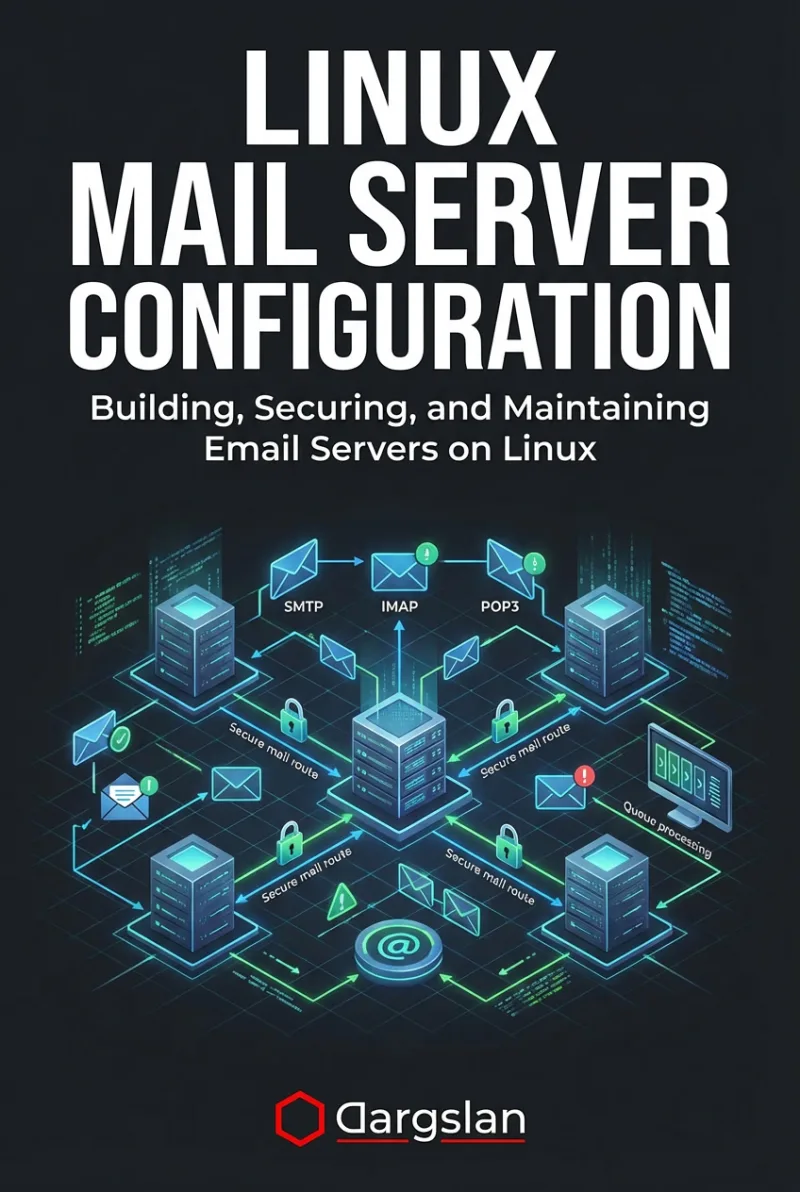
Linux Mail Server Configuration
Building, Securing, and Maintaining Email Servers on Linux
What's Included:
Key Highlights
- Postfix + Dovecot production configuration patterns
- Mail DNS explained: MX, SPF, DKIM, DMARC, rDNS
- Secure TLS and authentication best practices
- Spam and abuse protection strategy
- Logging and troubleshooting delivery failures
- Monitoring, alerting, and operational maintenance
- Backup and recovery planning for mail systems
Overview
Build and secure a production-ready Linux mail server with Postfix and Dovecot. Covers DNS, TLS, SPF/DKIM/DMARC, spam protection, monitoring, troubleshooting, and backups.
The Problem
Email servers are often misconfigured, insecure, or suffer from poor deliverability. Many admins copy random Postfix rules without understanding DNS, TLS, authentication, or spam controls—leading to blocked mail, compromised servers, and endless troubleshooting.
The Solution
This book gives you a complete, step-by-step Linux mail server blueprint: Postfix + Dovecot configuration, secure TLS and authentication, correct DNS (SPF/DKIM/DMARC), spam protection, monitoring, backups, and real troubleshooting workflows.
About This Book
Build a Production-Ready Linux Mail Server (Postfix + Dovecot)
Linux Mail Server Configuration is a practical guide to building, securing, and maintaining email servers on Linux. It walks you through real-world mail infrastructure using Postfix (SMTP) and Dovecot (IMAP/POP3), with a strong focus on security, deliverability, and operational reliability.
Why Self-Hosted Email Still Matters
Modern cloud email platforms are convenient—but they come with vendor lock-in, recurring costs, and limited control. Running email on Linux gives you full ownership of your data, stronger privacy guarantees, and infrastructure-level customization.
What You’ll Learn
- Email protocol fundamentals (SMTP, IMAP, POP3) and how they work on Linux
- Designing mail infrastructure: domains, users, storage, and scaling choices
- Mail DNS essentials: MX, PTR/rDNS, SPF, DKIM, DMARC, and practical setup steps
- Installing and configuring Postfix for secure SMTP delivery
- Installing and configuring Dovecot for secure mailbox access
- TLS encryption, authentication, and modern security defaults
- Spam and abuse protection (rate limiting, filters, reputation hygiene)
- Webmail options and secure integration patterns
- Logging, troubleshooting delivery failures, and diagnosing common issues
- Monitoring and alerting for production mail servers
- Backups, recovery planning, and operational best practices
Who This Book Is For
This book is for Linux administrators, DevOps engineers, and IT professionals who want to run secure, reliable email infrastructure and understand how mail systems operate in production.
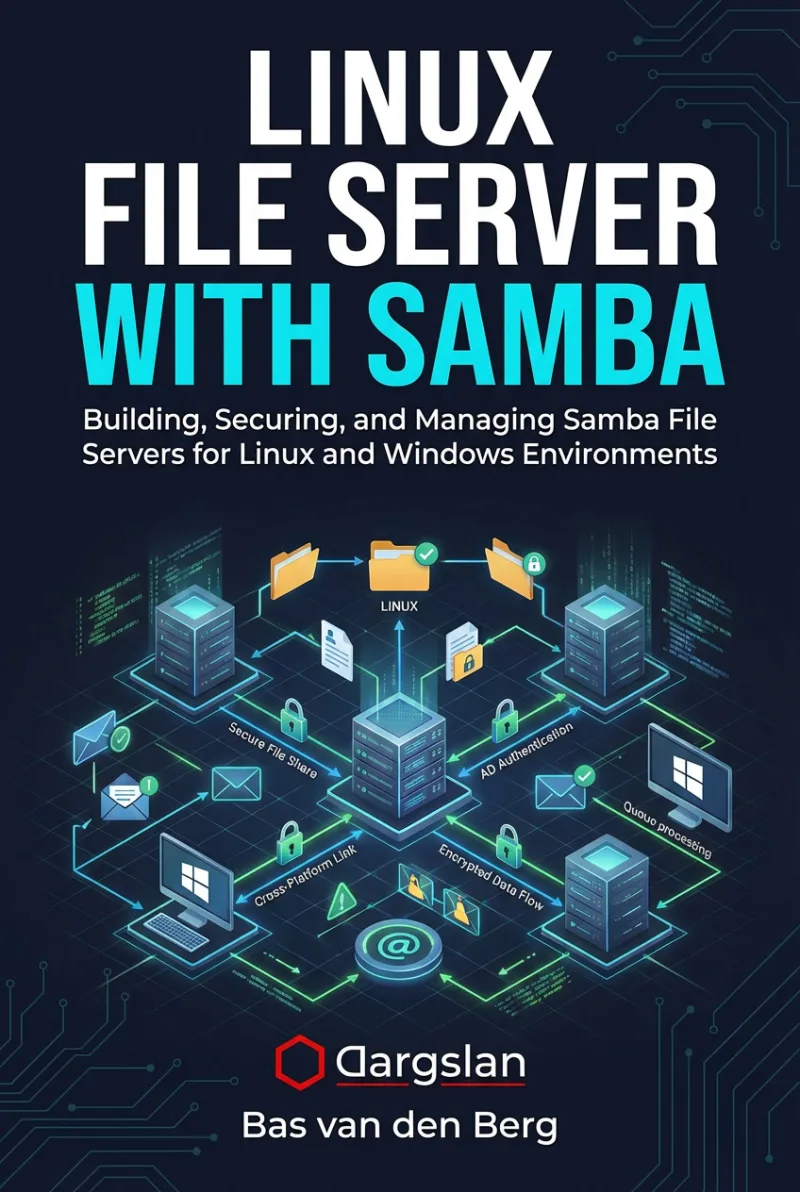
Author: Bas van den Berg
Who Is This Book For?
- Linux system administrators who want full control over email infrastructure
- DevOps / SRE professionals operating servers and production services
- IT teams building secure email for small businesses or internal environments
- Privacy-focused professionals reducing dependency on cloud providers
- Tech enthusiasts who want to understand mail delivery end-to-end
Who Is This Book NOT For?
- Absolute beginners with no Linux CLI or networking basics
- Readers looking for “one-click” mail server setups without learning concepts
- Anyone who wants offensive hacking techniques (this is defensive/admin-focused)
Table of Contents
- How Email Works on Linux
- Mail Server Planning and Design
- Preparing a Linux Server for Email
- DNS Configuration for Mail Servers
- Installing and Configuring Postfix
- Securing SMTP
- Installing and Configuring Dovecot
- Securing Mail Access
- SPF, DKIM, and DMARC in Practice
- Spam and Abuse Protection
- Webmail Solutions
- Managing Users and Mailboxes
- Mail Server Logging and Troubleshooting
- Monitoring Mail Server Health
- Mail Server Security Best Practices
- Backup and Recovery
- Small Business Mail Server
- Production and Scaling Considerations
Requirements
- Basic Linux command-line skills
- Basic networking knowledge (DNS, ports, TLS concepts)
- A VPS or local VM for testing (recommended)
- Access to domain DNS settings (for SPF/DKIM/DMARC)