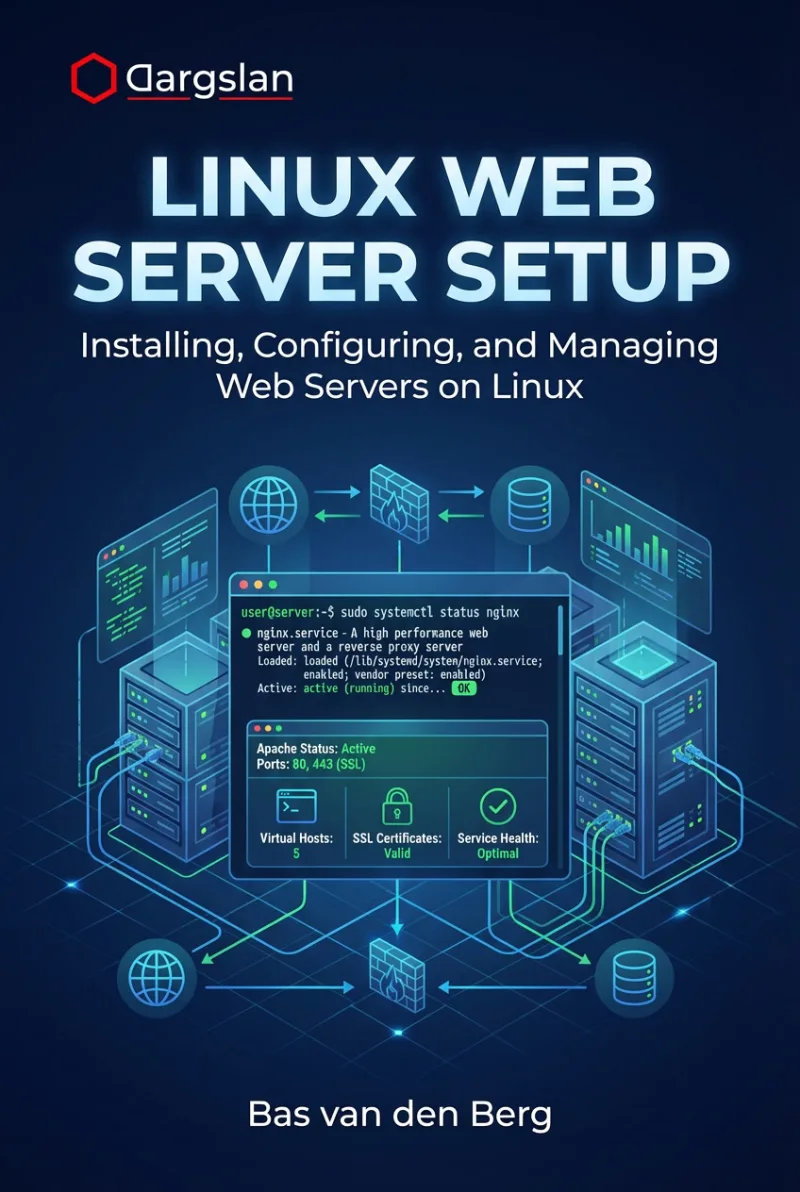
Linux Web Server Setup
Installing, Configuring, and Managing Web Servers on Linux
What's Included:
Key Highlights
- Apache and Nginx setup on Linux, step by step
- Virtual hosts and multi-site hosting workflows
- HTTPS and Let’s Encrypt configuration included
- Security hardening best practices
- Logs, monitoring, troubleshooting, and maintenance routines
Overview
Learn how to set up Linux web servers with Apache and Nginx. Configure virtual hosts, HTTPS with Let’s Encrypt, PHP integration, security best practices, and production-ready deployment.
The Problem
Many Linux web server setups work “just enough” to go online—but fail in production due to weak security, incorrect permissions, poor HTTPS configuration, and lack of monitoring or maintenance routines.
The Solution
This book provides a practical, Linux-specific web server setup guide covering Apache, Nginx, HTTPS with Let’s Encrypt, security hardening, performance basics, and production deployment workflows.
About This Book
Master Web Server Setup on Linux
Linux Web Server Setup is a practical, hands-on guide for installing, configuring, securing, and maintaining professional web servers on Linux.
Linux is the foundation of modern web hosting. From personal websites to enterprise platforms, Linux servers powered by Apache and Nginx handle a huge portion of the internet’s traffic.
Why Linux Web Servers Matter
Linux dominates web infrastructure because it is stable, secure, performant, and cost-effective. But production-grade hosting requires more than “it works.” It requires correct permissions, clean configuration, security hardening, reliable HTTPS, and monitoring.
This book teaches not only how to configure Apache and Nginx, but also why the best practices matter in real Linux environments.
What You Will Learn
- How web servers work on Linux
- Choosing between Apache and Nginx
- Preparing a Linux server for web hosting
- Users, permissions, and secure file structure
- Installing and configuring Apache
- Installing and configuring Nginx with virtual hosts
- HTTPS fundamentals and SSL/TLS best practices
- Enabling HTTPS with Let’s Encrypt
- PHP integration basics and hosting dynamic apps
- Performance optimization fundamentals
- Logs, monitoring, and troubleshooting workflows
- Security best practices for production deployments
- Backups, updates, maintenance, and multi-site hosting
Built for Real-World Hosting
This guide is designed for readers who want to move from theory to real deployment. Each chapter includes practical steps, configuration guidance, and Linux-specific security considerations.
Reference-Ready Appendices
The appendices include Apache and Nginx command/config references, security checklists, common errors and fixes, and a suggested learning path for advancing your Linux server skills.
Deploy with Confidence
By the end of this book, you will be able to deploy secure, production-ready Linux web servers, host multiple websites, and confidently troubleshoot real hosting issues.
Welcome to Linux web server mastery.
Bas van den Berg
Who Is This Book For?
- Linux users who want to host websites on their own server
- Developers deploying web apps on Linux
- Junior system administrators managing web servers
- DevOps learners building Linux hosting skills
- Anyone choosing between Apache and Nginx
Who Is This Book NOT For?
- Absolute beginners with no Linux basics
- Readers looking for only WordPress click-by-click guides
- Advanced admins seeking deep kernel-level performance tuning
Table of Contents
- How Web Servers Work on Linux
- Choosing the Right Web Server
- Preparing a Linux Server for Web Hosting
- User, Permissions, and File Structure
- Installing Apache on Linux
- Apache Configuration Basics
- Securing Apache
- Installing Nginx on Linux
- Nginx Configuration and Virtual Hosts
- Securing Nginx
- HTTPS Fundamentals
- Enabling HTTPS with Let’s Encrypt
- PHP Integration Basics
- Hosting Dynamic Applications
- Performance Optimization Basics
- Logs, Monitoring, and Troubleshooting
- Web Server Security Best Practices
- Backup, Updates, and Maintenance
- Hosting Multiple Websites
- From Local Server to Production
Requirements
- Basic Linux familiarity (terminal navigation)
- A Linux machine (VM, VPS, or local server)
- Internet access for package installation and certificates