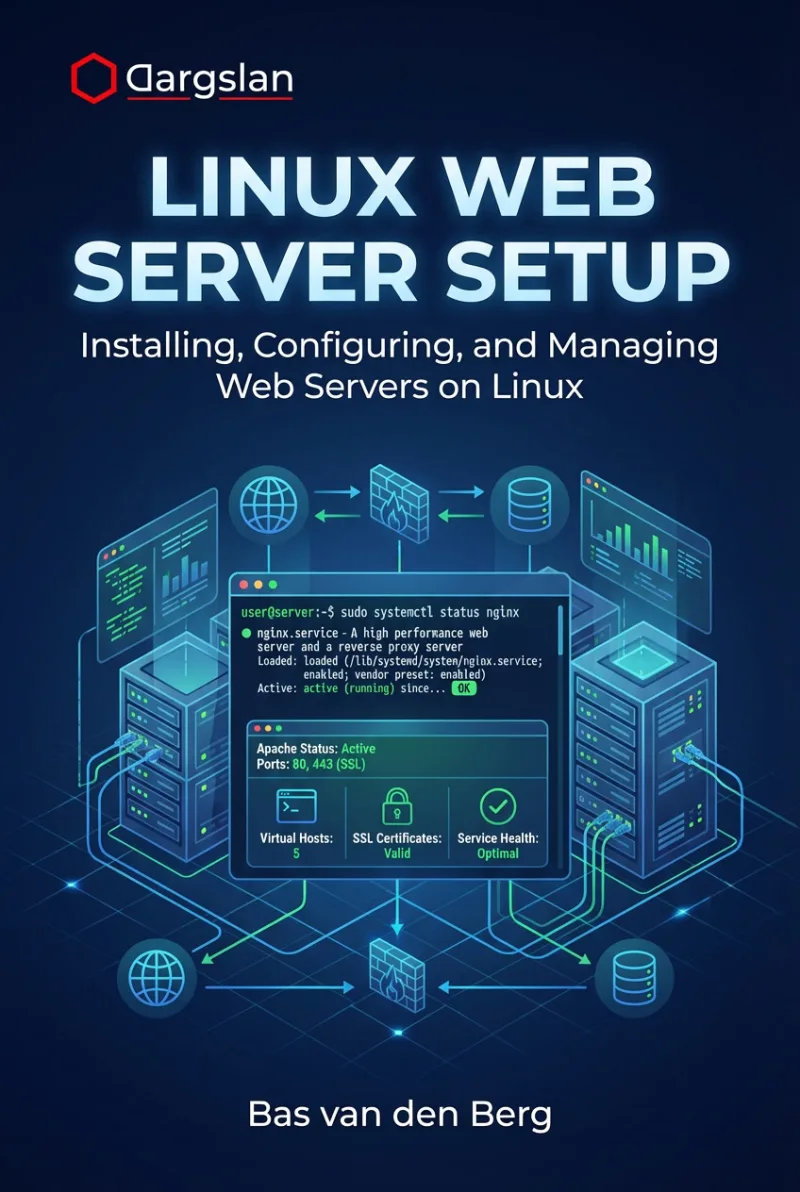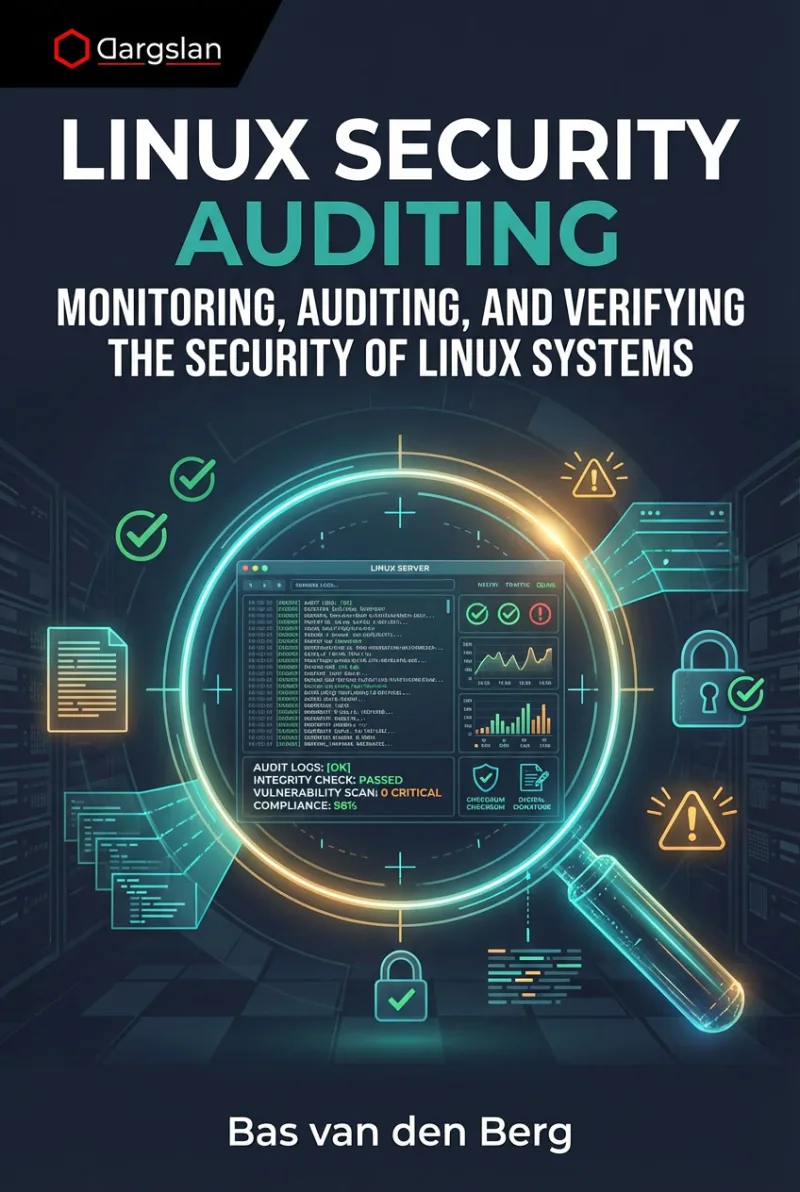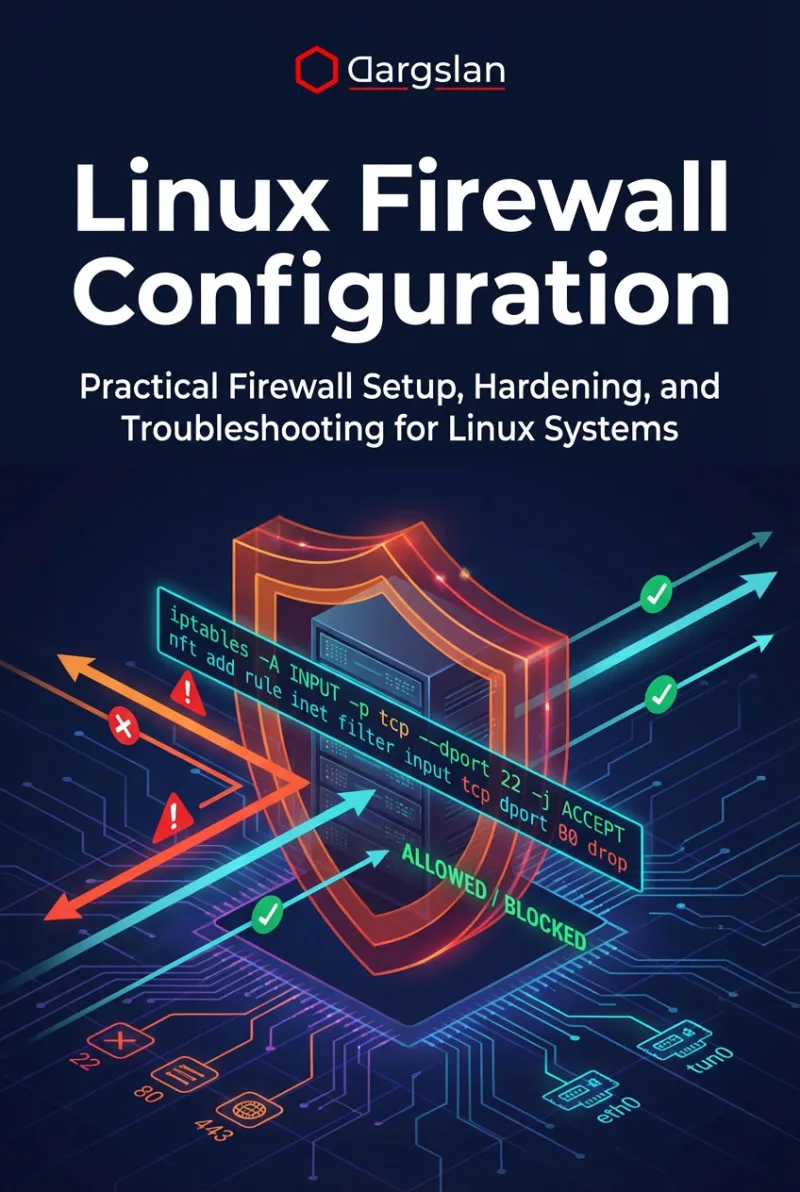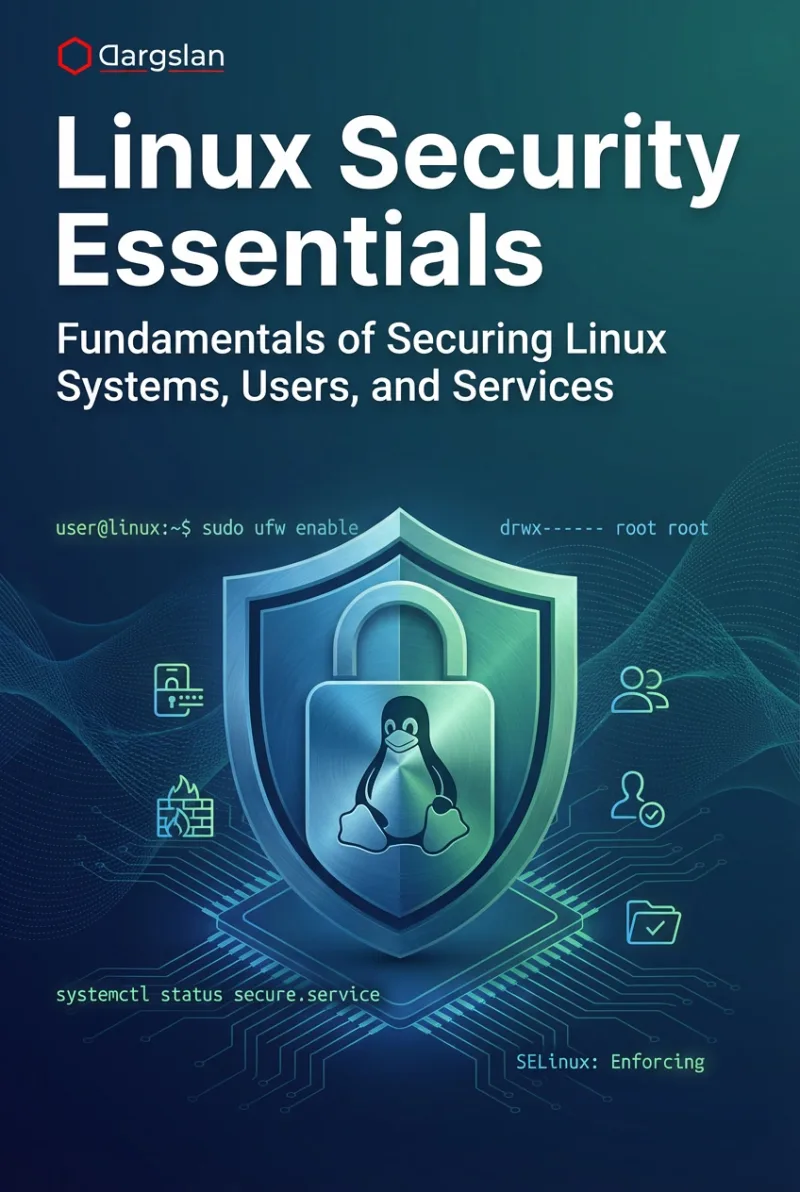
Linux System Hardening
A Step-by-Step Guide to Securing Your Linux Servers and Workstations
What's Included:
Key Highlights
- Step-by-step Linux hardening for servers and workstations
- SSH, users, permissions, services, and network protection
- Logging, auditing, intrusion detection and prevention
- SELinux, AppArmor, and kernel hardening techniques
- Includes hardening checklist and sample secure configurations
Overview
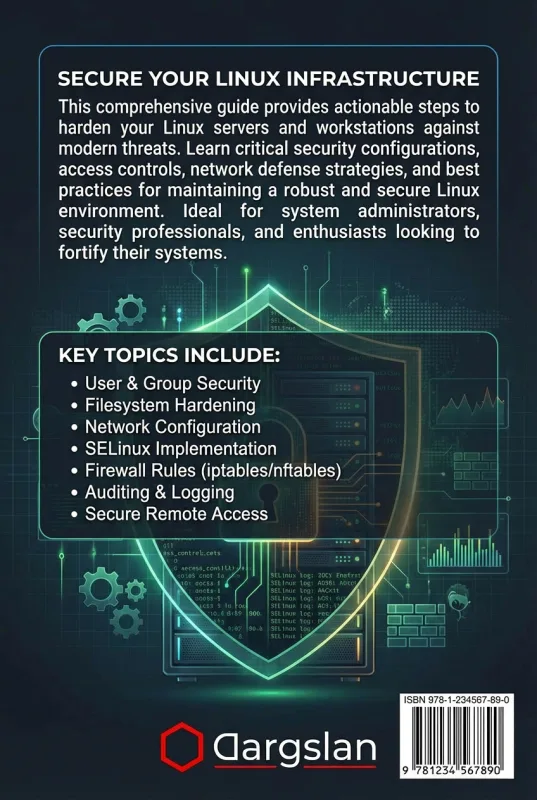
Secure Linux systems step by step. Harden SSH, users, permissions, services, networking, logging, auditing, intrusion detection, containers, kernel settings, encryption, and compliance across major distributions.
The Problem
Linux systems are often compromised due to misconfigurations: weak SSH settings, exposed services, poor permissions, missing updates, and lack of logging. Without a hardening plan, systems remain easy targets.
The Solution
This book provides a step-by-step Linux hardening playbook, covering identity and access, SSH, filesystem controls, network protection, logging, auditing, intrusion detection, containers, kernel hardening, and encryption.
About This Book
Secure Linux Systems with Practical, Step-by-Step Hardening
Linux System Hardening is a hands-on guide for securing Linux servers and workstations using proven defense-in-depth techniques tailored specifically to Linux environments.
Linux powers critical infrastructure worldwide. That makes it a high-value target. A single misconfiguration—weak SSH settings, exposed services, missing updates, poor permissions—can become an entry point for serious breaches.
Why This Book Matters
Linux security goes far beyond “turn on a firewall.” True hardening requires layered controls, safe configuration practices, strong identity and access management, continuous auditing, and Linux-specific security mechanisms like SELinux, AppArmor, and kernel tuning.
This book bridges the gap between basic Linux administration and real-world Linux security skills.
What You Will Learn
- Linux security fundamentals and hardening mindset
- Initial system configuration and secure baselines
- Keeping Linux updated safely and consistently
- User and group security policies
- SSH hardening best practices
- Filesystem permissions, access control, and least privilege
- Network hardening: firewalling, segmentation, exposure reduction
- Securing services and daemons
- Logging, auditing, and incident visibility
- Intrusion detection and prevention approaches
- Hardening common network services
- Container and virtualization security considerations
- Kernel hardening techniques (sysctl and beyond)
- Encrypting data at rest and in transit
- Backup and recovery security practices
- Security compliance basics and audit preparation
Apply Immediately with Checklists and Sample Configs
The appendices provide a Linux hardening checklist, security tool references, sample sysctl.conf settings, a secure SSH baseline configuration, and the top security mistakes to avoid.
Designed for Real Linux Environments
The procedures are tested across major Linux distributions and are practical for both servers and workstations. You’ll learn what to harden, why it matters, and how to implement changes safely.
Welcome to the essential discipline of Linux security.
Miles Everhart
Who Is This Book For?
- Linux system administrators securing servers
- DevOps engineers responsible for production deployments
- Security-minded IT professionals
- SREs and infrastructure engineers
- Developers deploying applications on Linux
Who Is This Book NOT For?
- Absolute beginners with no Linux fundamentals
- Readers looking only for basic Linux setup guides
- Users seeking a compliance-only checklist without explanations
Table of Contents
- Introduction to Linux Security
- Initial System Configuration
- Keeping the System Updated
- User and Group Security
- SSH Hardening
- Filesystem Permissions and Access Control
- Network Hardening
- Service and Daemon Security
- Logging and Auditing
- Intrusion Detection and Prevention
- Securing Network Services
- Container and Virtualization Security
- Kernel Hardening Techniques
- Encrypting Data
- Backup and Recovery Security
- Security Compliance and Auditing
Requirements
- Basic Linux command-line skills
- Some familiarity with Linux administration concepts
- Access to a Linux server or VM for practice