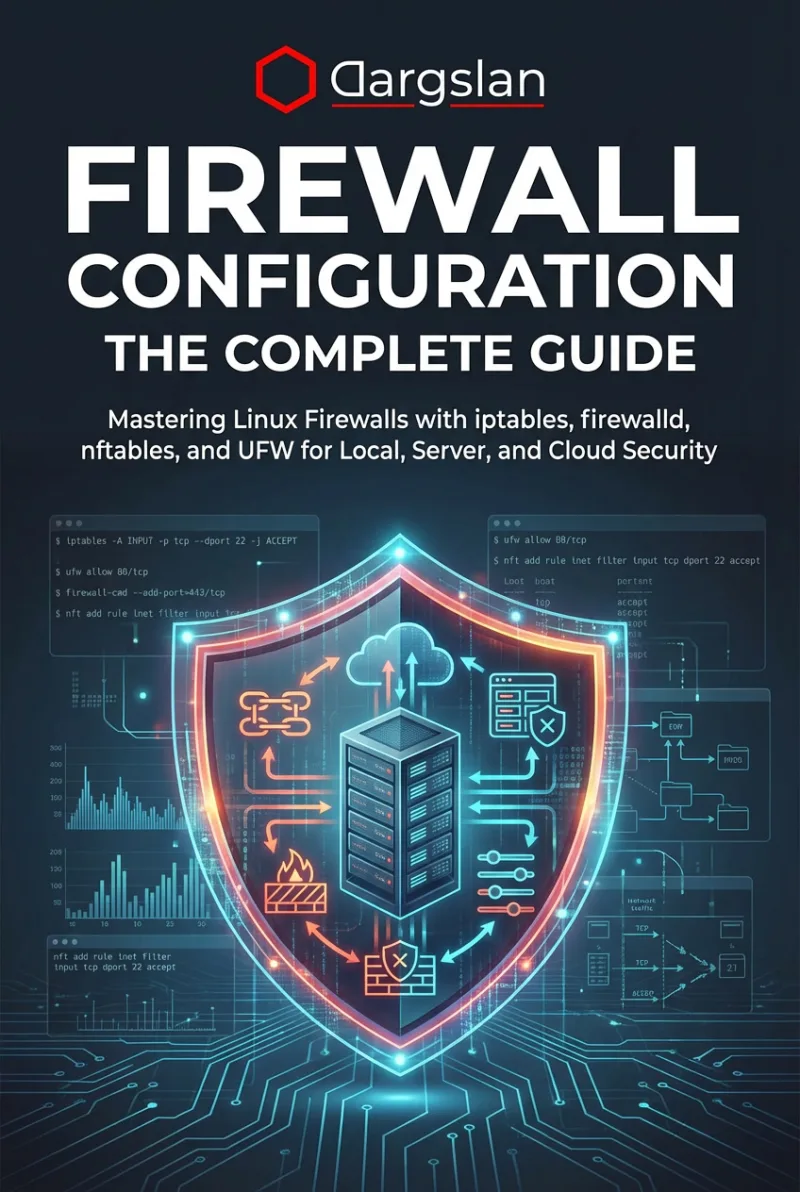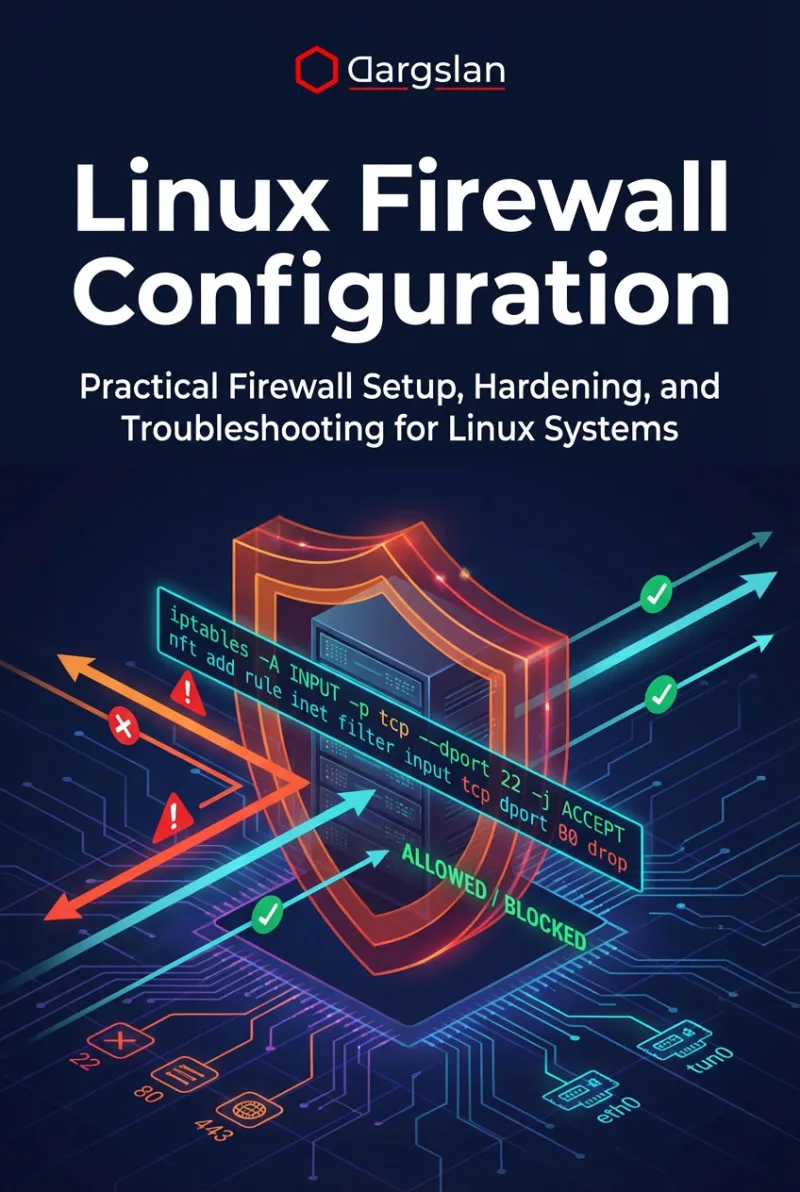
Linux Firewall Configuration
Practical Firewall Setup, Hardening, and Troubleshooting for Linux Systems
What's Included:
Key Highlights
- Practical coverage of iptables, nftables, and firewalld
- Netfilter fundamentals explained clearly
- Service hardening scenarios (SSH, web, database)
- Cloud and virtual environment firewall strategies
- Logging, auditing, and troubleshooting workflows
- Automation and change management best practices
- Appendix command references + rule design patterns
Overview
Practical Linux firewall guide covering iptables, nftables, and firewalld. Learn secure rule design, hardening strategies, logging, cloud use cases, automation, and troubleshooting in real environments.
The Problem
Linux firewall configuration is often handled by copying rules without understanding Netfilter, rule order, chains, zones, or state tracking. This leads to insecure servers, broken connectivity, or overly permissive policies that attackers exploit.
The Solution
This book teaches a practical, tool-by-tool approach to Linux firewalling—iptables, nftables, and firewalld—so you can build hardened firewall policies, troubleshoot safely, and maintain stable rules across changes, updates, and deployments.
About This Book
Practical Linux Firewall Security for Real Systems
Linux Firewall Configuration is a hands-on guide for building secure firewall policies on Linux using iptables, nftables, and firewalld. It is designed to take you from “copy-paste rules” to confident firewall architecture in production environments.
Why Firewall Skills Matter
Linux powers servers, cloud workloads, and container platforms worldwide. A firewall is one of the most important security layers—but misconfigured rules can either expose critical services or break system functionality. Many administrators apply rules without understanding the underlying Linux firewall stack (Netfilter), which leads to security gaps and operational risk.
What You Will Learn
- Linux networking essentials for firewall design
- How the Linux firewall stack works (Netfilter fundamentals)
- Choosing the right tool: iptables vs nftables vs firewalld
- iptables fundamentals and advanced rule building
- nftables modern architecture and real-world use cases
- firewalld zones, services, runtime vs permanent configuration
- Securing common services safely (SSH, web, database, monitoring)
- Cloud and virtual environment firewall strategies
- Logging, auditing, and visibility for firewall operations
- Systematic troubleshooting for firewall issues
- Hardening strategies and secure rule design patterns
- Automation and change management best practices
Built for Production
This book focuses on the decisions and workflows used in real environments—servers, multi-service hosts, cloud workloads, and modern infrastructure. The appendices include command references, common mistake patterns, and reusable design templates you can adapt immediately.
Miles Everhart
Who Is This Book For?
- Linux system administrators securing servers and services
- DevOps and SRE engineers managing infrastructure at scale
- Security professionals implementing defense-in-depth controls
- Cloud engineers working with Linux workloads
- IT professionals transitioning to production Linux security
Who Is This Book NOT For?
- Absolute beginners with no Linux command-line experience
- Readers looking for hacking/pentest tutorials
- Non-technical audiences seeking a high-level overview only
Table of Contents
- Why Firewalls Matter on Linux
- Linux Networking Basics for Firewalls
- Netfilter and the Linux Firewall Stack
- Choosing the Right Firewall Tool
- iptables Fundamentals
- Advanced iptables Rules
- nftables Architecture and Syntax
- Advanced nftables Use Cases
- firewalld Concepts and Zones
- firewalld Advanced Configuration
- Securing Common Services
- Firewalling in Cloud and Virtual Environments
- Firewall Logging and Auditing
- Troubleshooting Firewall Issues
- Firewall Hardening Strategies
- Automating Firewall Configuration
- Firewall Maintenance and Change Management
- Firewall Best Practices Checklist
Requirements
- Basic Linux command-line knowledge
- Basic understanding of IP addresses and ports (helpful but not mandatory)
- A Linux VM or server for practice (recommended)